SIDE PROJECT / Developer Tools
MarkdownPad.
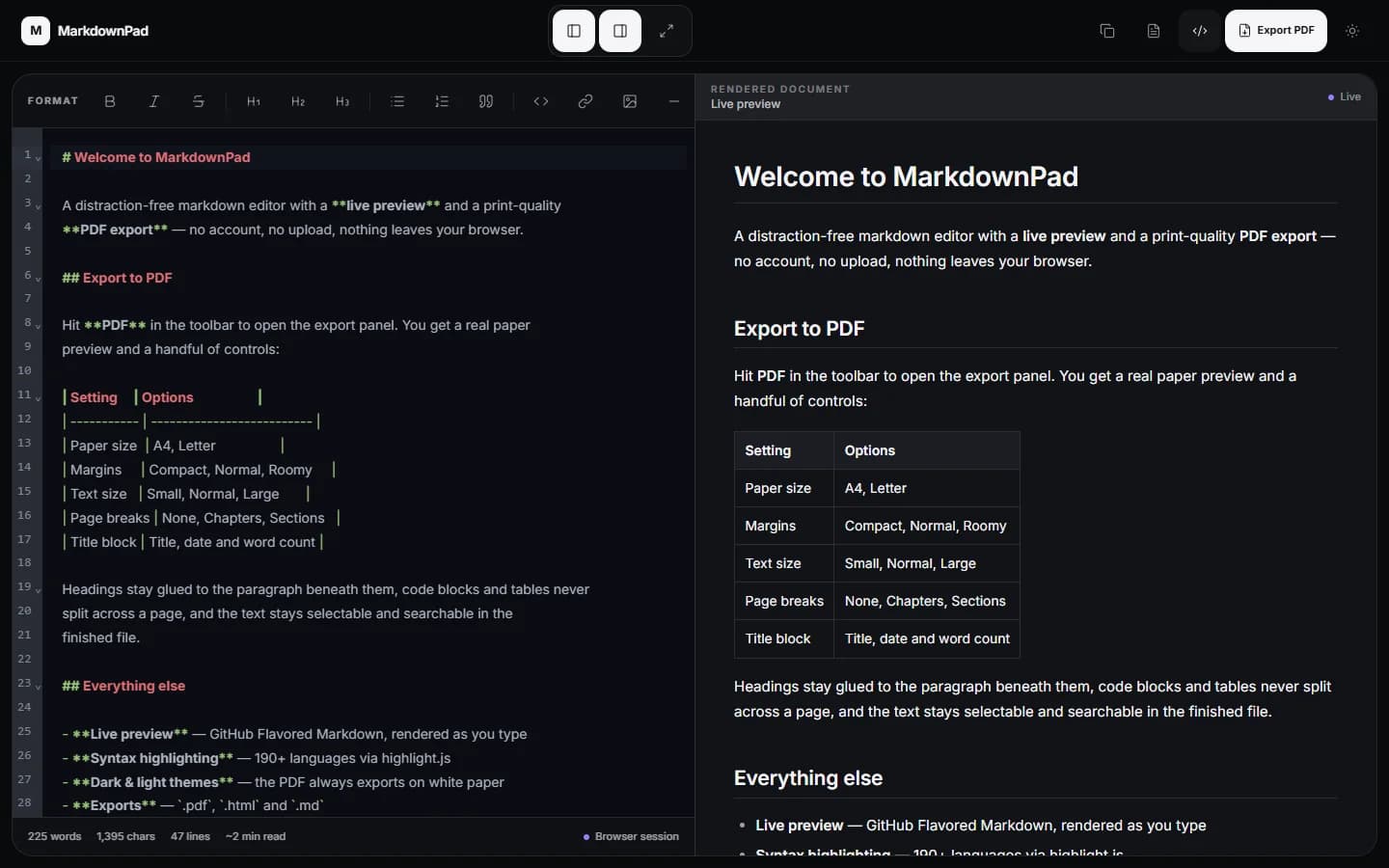
A Markdown editor with live preview and clean PDF exports. Your writing stays in your browser.
code languages
More details
Code highlighting for over 190 languages, using highlight.js.
export formats
More details
Save as PDF, HTML, or Markdown.
paper sizes
More details
Choose A4 or Letter, then adjust margins, text size, and page breaks.
01 / THE CHALLENGE
Write it. preview it. export it..
Writing Markdown is simple. Turning it into a clean PDF can be harder, especially with code, tables, and page breaks.
02 / THE APPROACH
How I built it.
Used CodeMirror for editing and one Markdown renderer for both preview and print.
Used the browser print engine to keep text sharp, links clickable, and pages properly split.
Added PDF, HTML, and Markdown export, writing stats, and a toolbar that works with the selected text.
03 / THE RESULT
What was delivered.
Built an editor with three export formats, two paper sizes, and code highlighting for over 190 languages.
Good to know
PDF export opens the browser print dialog. Choose Save as PDF to download the document.